Five ways to look at JSON
Text, tree, graph, node cards, and a nested table. Dual mode keeps the editor on the left and Tree, Graph, Node, or Table on the right. Stats and JQ sit beside those views. All free.
BracketView
Paste, format, and validate JSON in a free online workspace — then open the same payload as text, a tree, a graph, node cards, or a nested table. Query with JSONPath or jq, diff two documents, and check schemas. The UI is in nine languages, in the browser or as a Windows and Linux app. Node and Table stay free — not Pro.
$Type: objectNodes: 10Depth: 3Featured On













BracketView is a privacy-first JSON workspace: view, format, validate, query (JSONPath + jq), diff, schema, and types in the browser. See JSON as text, tree, graph, node cards, or a nested table — seven tabs in all, with Stats and JQ beside those views. Dual mode, in Workspace settings, keeps the text editor on the left and Tree, Graph, Node, or Table on the right. The UI is in nine languages (Workspace settings in the header gear). Optional server features: AI, encrypted snapshots, webhook tester, signed-in history. A Windows and Linux desktop app (0.1.7) runs the same core tools locally, with no sign-in, AI, or cloud.
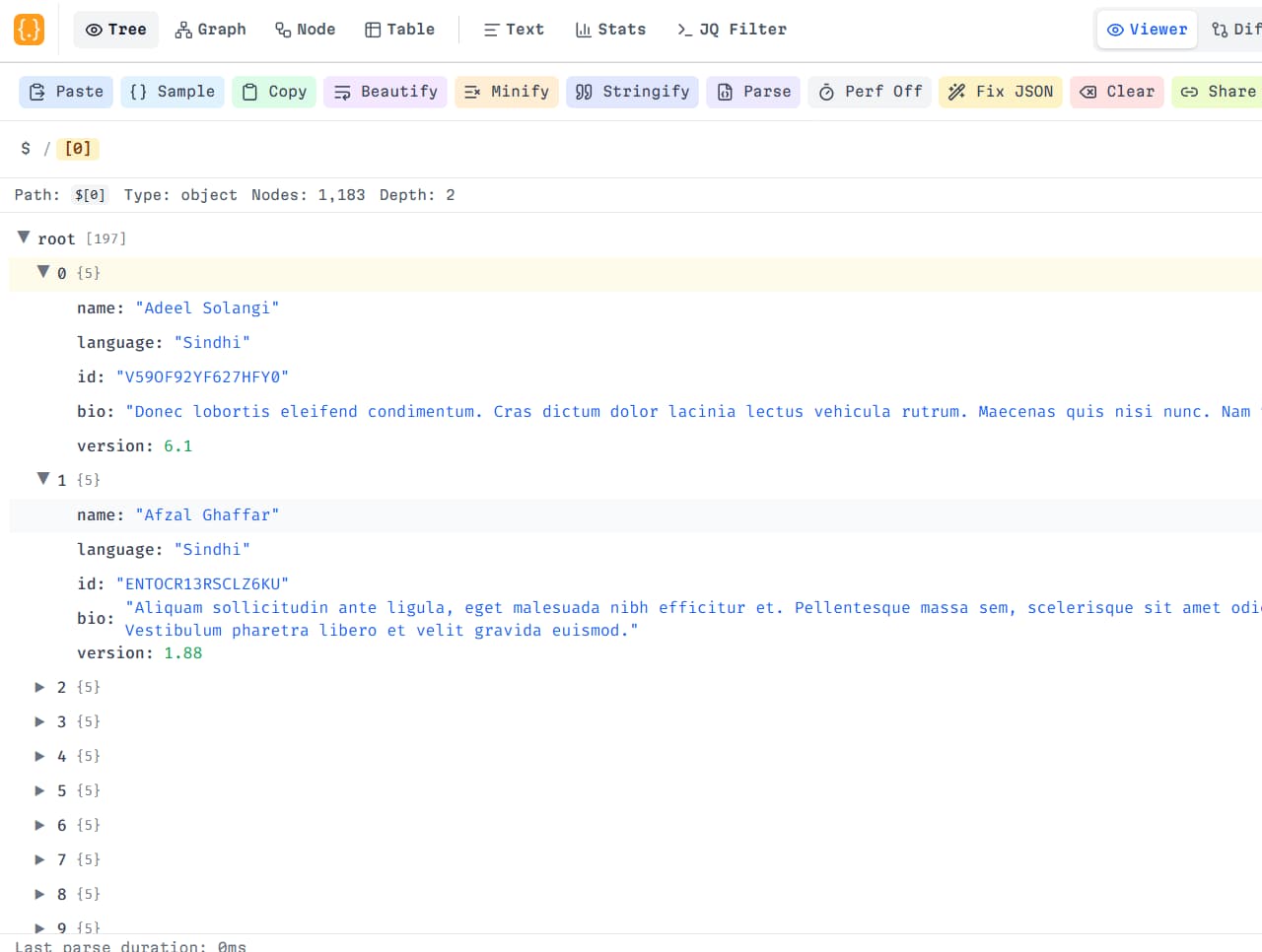
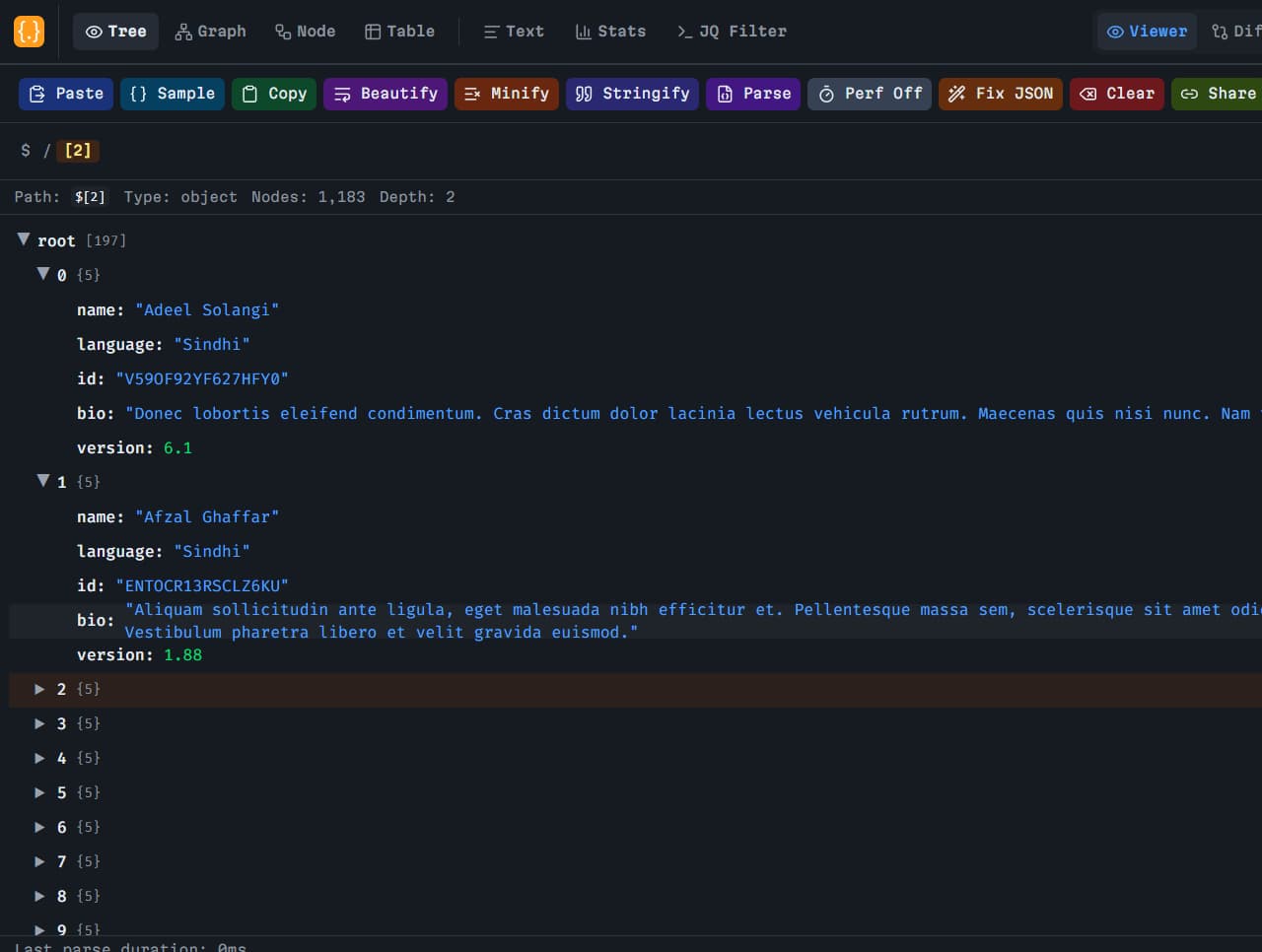
A JSON viewer turns a raw payload into something you can read. Paste a response from an API, a config file, or a webhook body into BracketView and open it as text, a tree, a graph, node cards, or a nested table. The JSON viewer keeps the structure intact, so you can expand objects, follow arrays, and jump to a key without reformatting the file by hand.
When the payload is minified or inconsistent, use the JSON formatter. One pass adds indentation and spacing so nested objects line up. You can minify the same document again when you need a compact body for a request. Formatting does not change values. It only changes how the JSON is written, which makes reviews and later comparisons easier to follow.
A JSON validator checks that the document is actually valid JSON. BracketView highlights bracket mismatches, trailing commas, and unquoted keys as you type, with the line and column of the first problem. That is enough for most API responses. If you also need to confirm a shape, the schema validator compares the document to a JSON Schema or an OpenAPI definition before you ship the change.
Two other checks sit next to the viewer. JSON diff places two documents side by side so you can see added, removed, and changed values. JSONPath runs a query such as $.store.book[*].author and returns the matching nodes, which helps when the file is too large to scan by eye. These core tools run in the browser. You do not install anything to view, format, or validate JSON, and the free workspace does not require an account.
October 2026
BracketView 0.1.7 — Dual mode beside the editor, page zoom separate from font size, and tree search that keeps the whole node.
Dual mode
Turn on Dual mode in Workspace settings to keep the text editor on the left and Tree, Graph, Node, or Table on the right. The header tabs choose the right pane.
Page zoom is separate from font size
Ctrl+Shift++ and Ctrl+Shift+- change the editor font. Ctrl++ and Ctrl+- zoom the page again.
Tree search shows the whole node
When a search hits a field, the tree keeps every sibling on that object or array item, not only the matching row.
Hover or select a workflow — previews use the same UI chrome as the BracketView app.
A clean browser-based workspace built for API debugging, configs, and nested payloads — five views, nine languages, without making AI the product.
Text, tree, graph, node cards, and a nested table. Dual mode keeps the editor on the left and Tree, Graph, Node, or Table on the right. Stats and JQ sit beside those views. All free.
Switch the workspace in Workspace settings (header gear): English, 简体中文, 日本語, 한국어, Português (Brasil), Spanish, French, German, Russian.
Beautify or minify JSON and catch syntax errors with line and column feedback as you type.
Find keys and values inside large documents, then jump to the matching node. Tree search sits on the tree toolbar.
Diff two payloads side by side to spot structural and value changes in API responses.
Core tools stay local. Optional AI, snapshots, and webhooks are explicit choices — not silent uploads.
Need a specific tool? JSON viewer, formatter, validator, or JSON diff.
Open BracketView, paste your payload, and start formatting, validating, or querying structured data in seconds.
Drop JSON into the editor or import a file — no install required.
Beautify, minify, and catch syntax errors as you type in real time.
Browse the tree, node, or table view, run JSONPath queries, diff versions, and share results.
Five ways to look at JSON — text, tree, graph, node, and table — plus Dual mode, JSONPath, jq, and optional AI. UI in nine languages. Node and Table are free.
Text, tree, graph, node cards, or a nested table. Dual mode keeps the editor beside a view — free
Open JSON ViewerBeautify, minify, and validate JSON as you type
Try formatterQuery large documents with JSONPath or JQ expressions
Try JSONPathDisposable public webhook URLs — capture live headers, bodies, and mock responses
Open Webhook TesterCore viewing, formatting, validation, JSONPath, and jq run in your browser. Optional AI repair and conversion, encrypted snapshot links, Webhook Tester, and signed-in history previews use BracketView servers (and AI providers for AI features) when you choose them. Do not paste secrets into optional cloud features unless you accept that risk.
Whether you are shipping APIs, reviewing webhooks, or cleaning up configs, BracketView fits into your daily workflow.
Inspect REST responses, trace nested fields, and debug endpoints without a local setup.
Generate a disposable public URL, point Stripe, GitHub, or Shopify at it, and inspect live headers and bodies — then mock responses or replay to localhost.
Format and validate hand-edited configs, env exports, and deployment manifests.
Repair broken JSON from log files, exports, and third-party integrations.
Diff two API versions side by side and see exactly which fields changed.
Generate draft schemas from example objects and keep API docs accurate.
Dedicated landing pages for each workflow, plus learn guides and blog tutorials. Start with the viewer, then open the specialist tool you need.
Incumbents win on a single job: lint, classic tree edit, or a graph map. BracketView is a free online JSON viewer that keeps those jobs next to query, diff, schema, and an ad-free workspace. See the full roundup.
Free to use (core)
Ad-free workspace
Collapsible tree viewer
Graph / visual map
Node view (object cards)
Nested table view
Search and path copy
Format and validate
JSONPath queries
jq playground
JSON diff
JSON Schema + types
AI JSON repair
Webhook tester
Encrypted snapshots
Browser-first core tools
Requires install
| Feature | BracketView | JSONLint | JSON Editor Online | JSONCrack |
|---|---|---|---|---|
| Free to use (core) | Yes | Yes | Yes | Yes |
| Ad-free workspace | Yes (app) | No | No | Mostly |
| Collapsible tree viewer | Yes | No | Yes | Limited |
| Graph / visual map | Yes | No | No | Yes |
| Node view (object cards) | Yes | No | No | Limited |
| Nested table view | Yes | No | Yes | No |
| Search and path copy | Yes | No | Yes | Limited |
| Format and validate | Yes | Yes | Yes | Yes |
| JSONPath queries | Yes | No | No | No |
| jq playground | Yes (Wasm) | No | No | No |
| JSON diff | Yes | No | Limited | No |
| JSON Schema + types | Yes | No | Limited | No |
| AI JSON repair | Yes | No | No | No |
| Webhook tester | Yes | No | No | No |
| Encrypted snapshots | Yes | No | Share links | Share links |
| Browser-first core tools | Yes | Often server-side | Mixed | Yes |
| Requires install | No | No | No | No |
Free to see the JSON. Pro when the file is huge, the link has to last, or AI shouldn’t run out. Node, Table, and languages stay free.
Free to see the JSON. Pro when the file is huge, the link has to last, or AI shouldn’t run out.
Get started freeFree to see the JSON. Pro when the file is huge, the link has to last, or AI shouldn’t run out.
Start monthly planAnnual bill of $27 with raised Pro caps.
Same Pro benefits, billed once a year — 25% off vs monthly × 12.
Start yearly planPayments are processed with Razorpay. Pro includes a fair use policy for unlimited AI — normal personal or team usage is always welcome.
We have given answers to the most popular questions below
BracketView is freemium. Core workspace tools — viewer, formatter, validator, tree, graph, node, table, JSONPath, diff, schema, and Webhook Tester — are free with no signup required. The UI is in nine languages. Free accounts include 5 MB uploads, 5 snapshot links per month, 20 AI actions per month, and Webhook Tester with 3 endpoints, 25 requests each, and 2-day retention. Pro unlocks AI without a monthly cap, 50 MB uploads plus Performance Mode, unlimited encrypted snapshot links (up to 2 hours), and higher webhook caps. Node, Table, and languages stay free.
Developers already use BracketView to inspect APIs, validate configs, and ship faster. Try it too!
 Download