August 2026
Node, Table, nine languages, desktop 0.1.5
The workspace now has seven tabs. Five of them are ways to look at JSON: Text, Tree, Graph, Node, and Table. Stats and JQ Filter sit beside those views. Node and Table are free — not Pro.
Node view (Free)
JSON Crack–style canvas: object cards, bezier edges, arrays of objects as table-shaped nodes, zoom/fit/lock, and search. Nested objects stay inside the parent until they need their own card.
Table view (Free)
Nested spreadsheet: objects as Key/Value, arrays of objects as columns, expand/collapse, virtualized long lists.
Nine UI languages (Free)
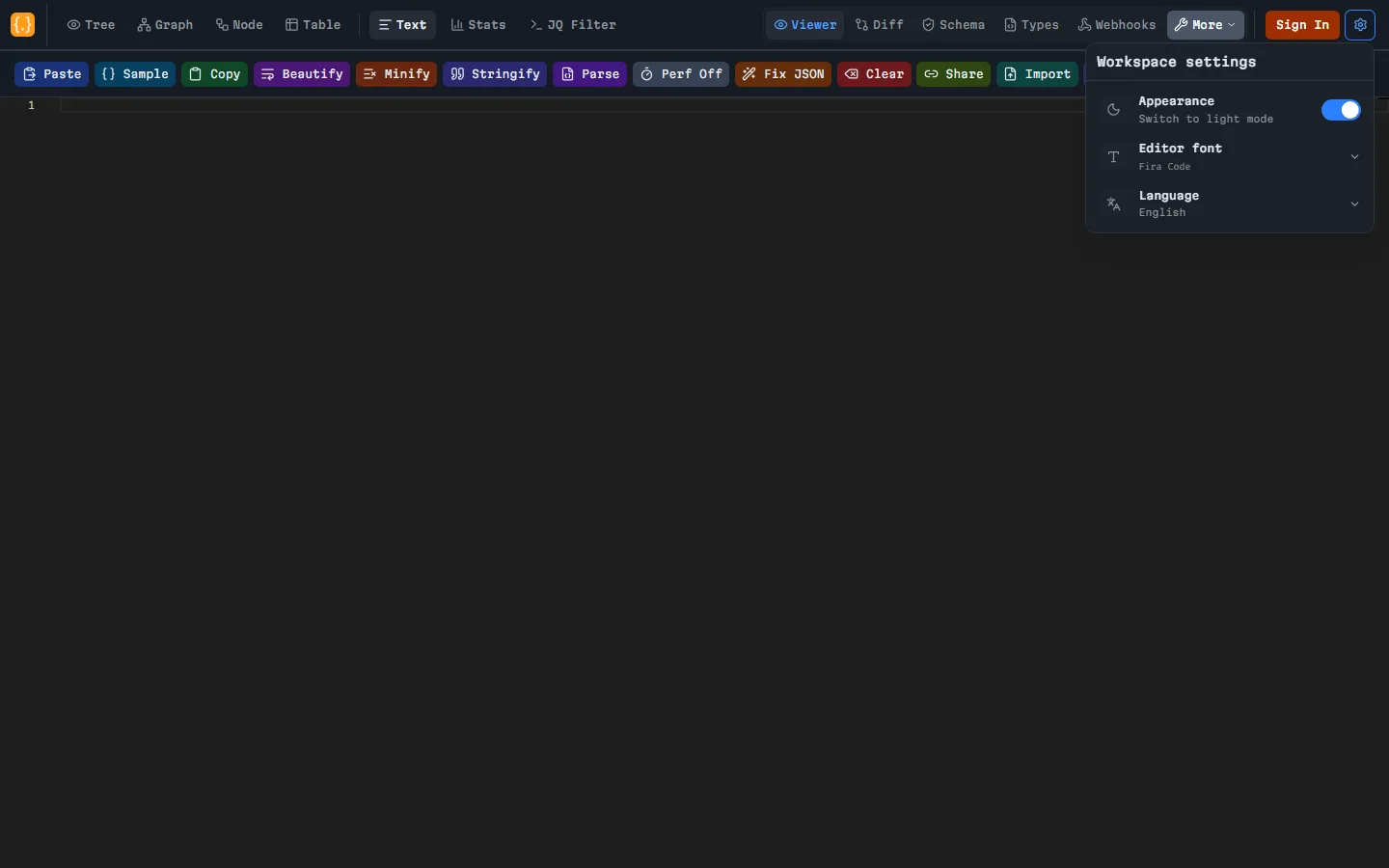
Switch language in Workspace settings (header gear), not on the profile page: English, Simplified Chinese (简体中文), Japanese (日本語), Korean (한국어), Português (Brasil), Spanish, French, German, Russian. This is the product UI — separate from the type generator’s TypeScript, Python, Go, and Rust export.
Desktop app 0.1.5
Local JSON workspace: text, tree, graph, node, table, stats, jq, diff, schema, types, encoder/decoder, and text compare. Native View and Tools menus. Local files up to 200 MB (not the web Free 5 MB cap). No sign-in, AI, snapshots, or webhook tester. Unsigned Windows builds may show SmartScreen. Windows x64 and Linux x86_64 are available — no macOS bundle.
UX polish
- Workspace settings in the header gear: theme, editor font, and language (moved off profile).
- Account menu on the profile photo: Manage Profile, Sign out — no separate header Sign out.
- Tree search on the tree toolbar, before Expand all.
- AI panel slides in from the right, next to keyboard shortcuts.
- Route loading uses layout skeletons instead of a blank screen.
- JSON history (signed-in): custom date filter and one-click copy of an entry’s JSON.
What Pro is
Free to see the JSON. Pro when the file is huge, the link has to last, or AI shouldn’t run out: 50 MB uploads + Performance Mode, unlimited snapshot links up to 2 hours, AI without a monthly cap (Fix, Explain, Types), and higher Webhook Tester caps. Node, Table, languages, and the desktop viewer do not require Pro.
Open the workspace